


Your whole team can search tickets, manage support queues, and update customer requests through chat — with approval before every change.
Get started for free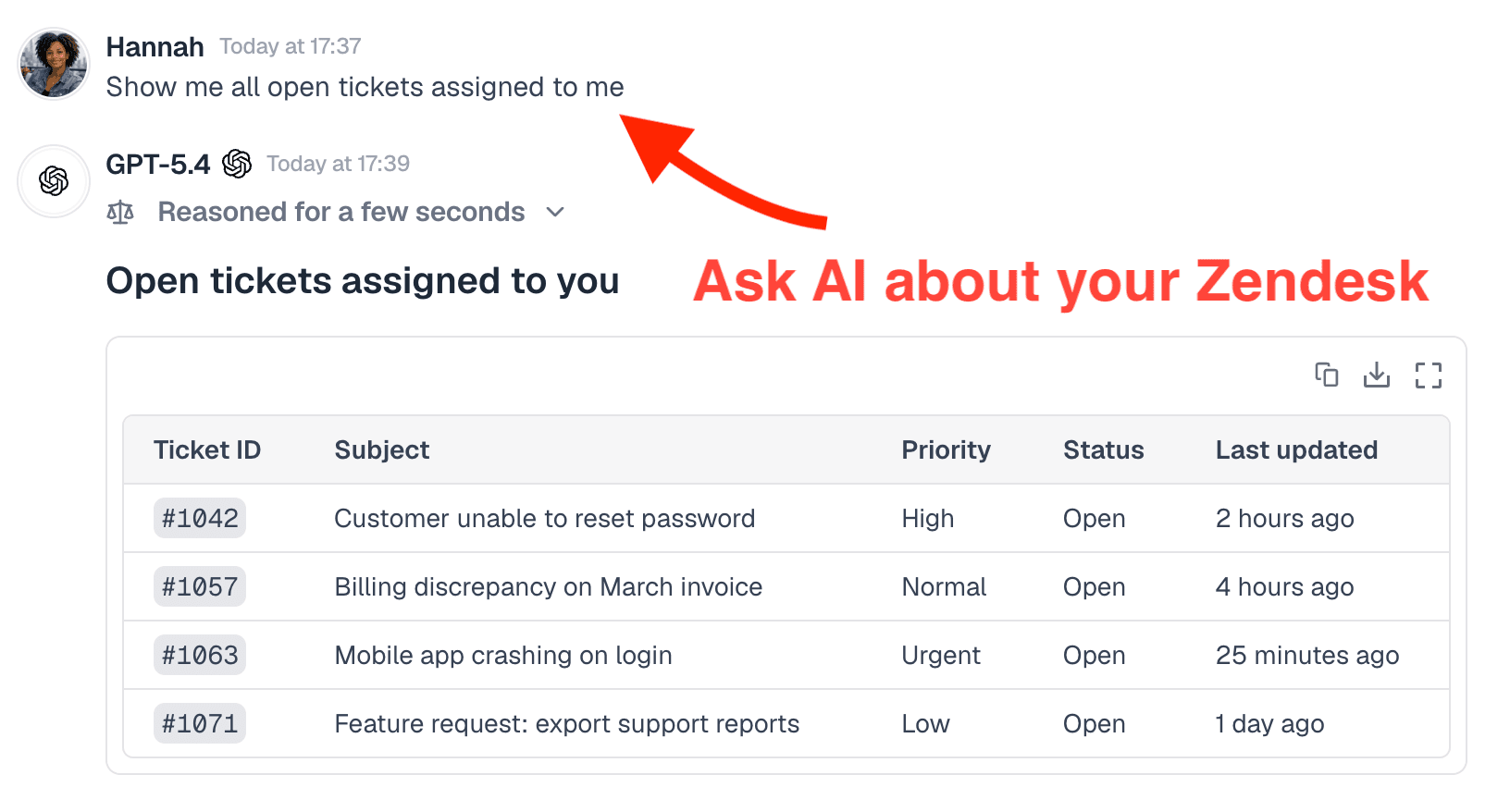

Try asking:


Try asking:








Search issues, inspect tickets, and prepare admin-approved changes from chat.

Search, create, and update Notion pages, databases, and blocks.

Run analytics queries and manage feature flags, surveys, and cohorts.

Search Confluence, inspect content, and prepare admin-approved wiki changes from chat.

Browse repos, create and manage issues and pull requests, and trigger workflows.

Search, create, and update contacts, companies, deals, and tickets.


Menturi connects through Zendesk’s OAuth system. It requests access to tickets, users, and organizations. You authorize this during setup.
Menturi can access tickets, users, and organizations based on the account used to connect. It respects Zendesk’s role-based access.
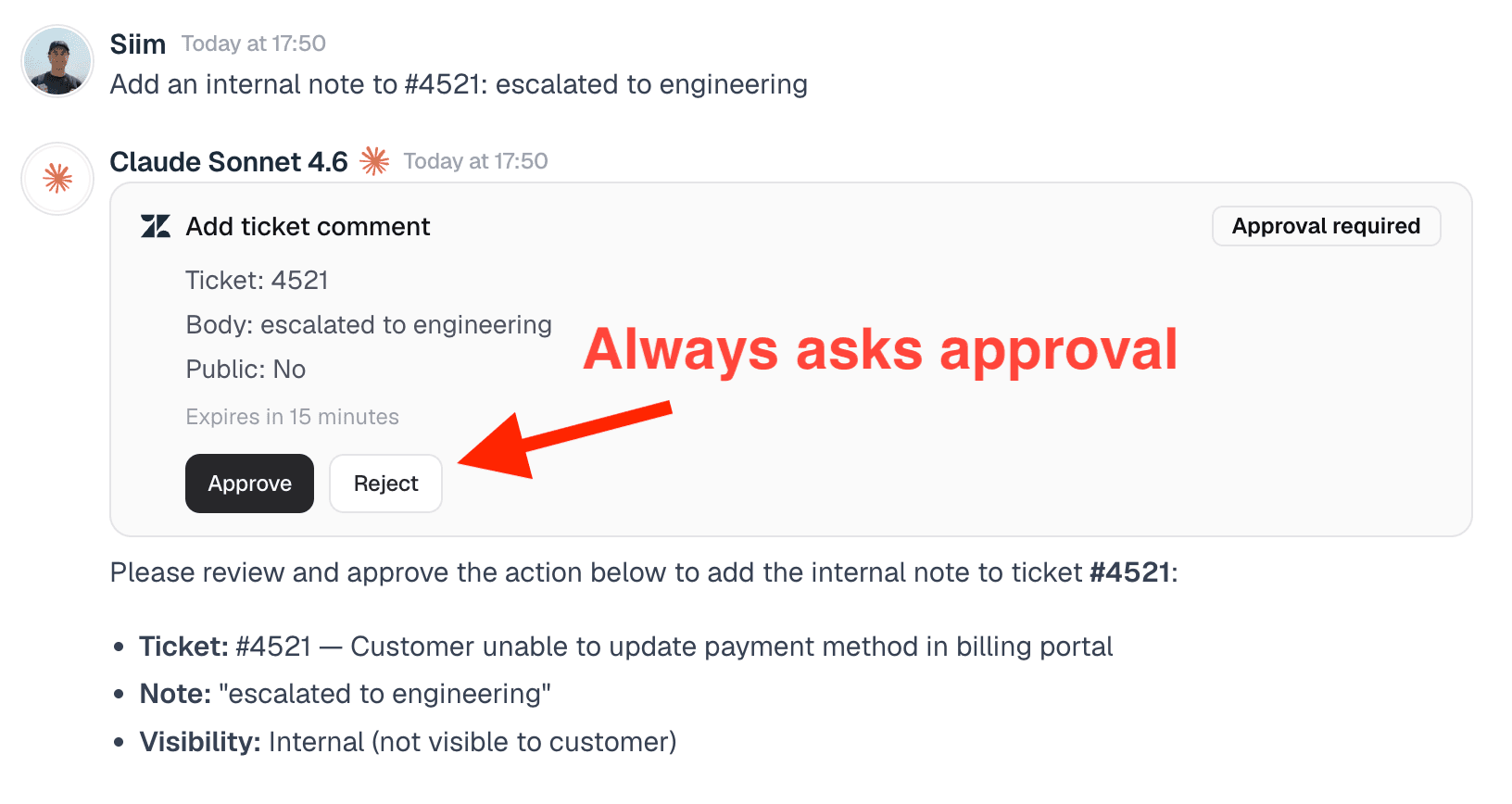
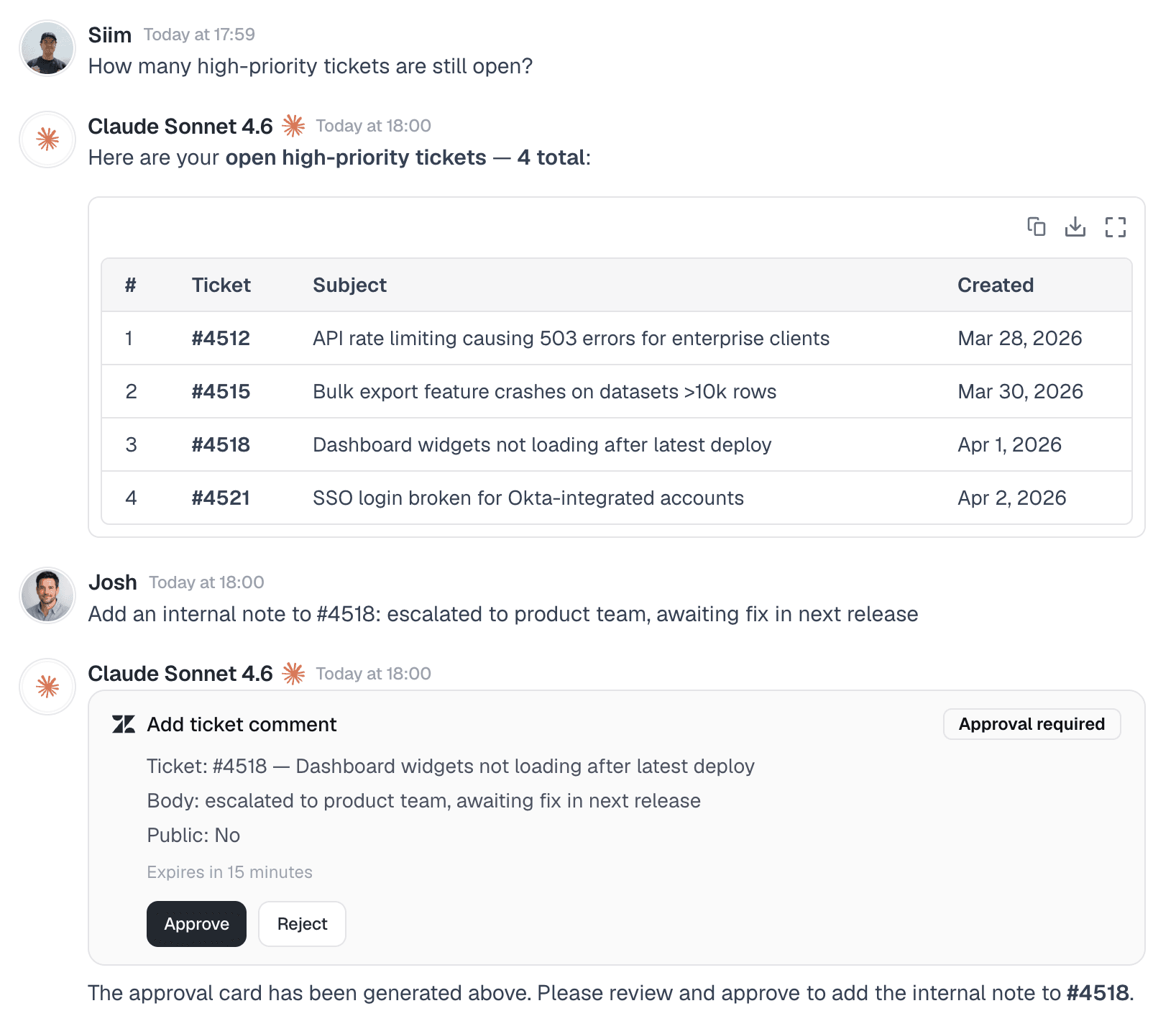
Any change — including public replies — requires approval first. An approval card appears in chat, and someone with permission must click Approve before anything is sent.
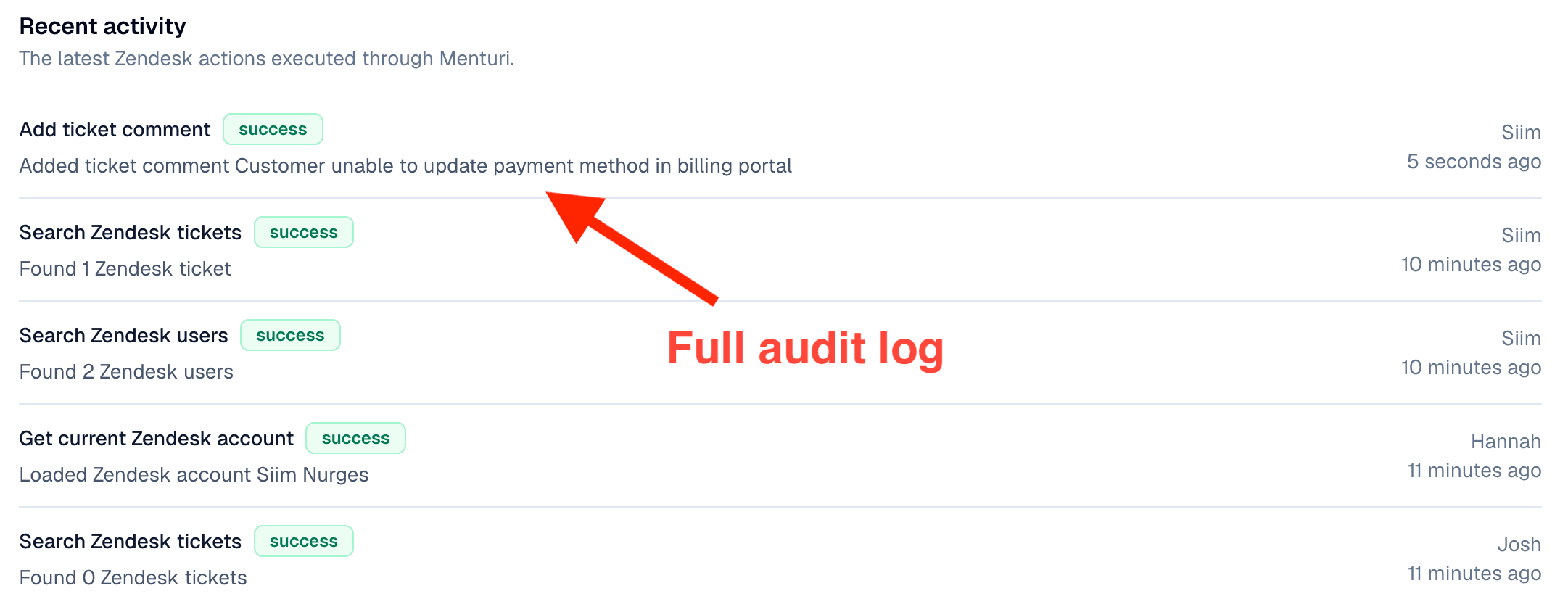
No. Menturi queries Zendesk in real time when you ask a question. We log which actions were taken for the audit trail, but we don’t store copies of your tickets, conversations, or customer data.
Yes. Once an admin connects Zendesk, everyone in the workspace can use it from chat. You don’t need to connect individual accounts.
Connect in one click. Your whole team gets access immediately.
Get started for free


 snuup.ai