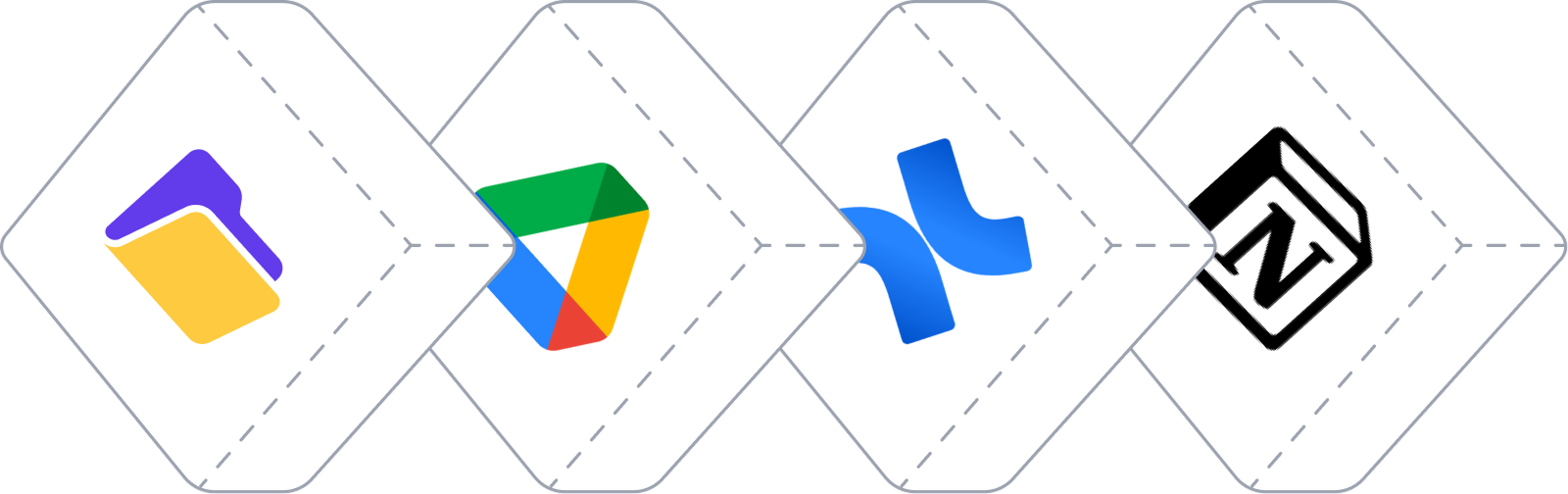
Your team has documentation somewhere. Google Drive folders that nobody opens. A Confluence workspace that's three years out of date. Notion pages that look great but don't get read. And meanwhile, people keep asking the same questions in Slack.
An AI knowledge base chatbot fixes this. It takes all your existing docs and makes them actually useful by letting people ask questions and get answers instantly. No more digging through folders or hoping someone updated the wiki.
This guide covers what these tools actually do, how to pick one that works for your team, and what you need to know before you start. No fluff, just what actually matters.
Think of it like ChatGPT, but trained on your company's specific information. You connect it to your documentation (wherever it lives), and your team can ask it questions in plain English.
Here's a real example: Your customer support team gets the same question about your refund policy five times a day. Instead of checking the handbook each time, they ask the chatbot "What's our refund policy for annual subscriptions?" and get an instant answer pulled directly from your docs.
The difference between this and just uploading files to regular ChatGPT? A few things:
It's not magic. It won't answer questions about things that aren't in your docs. But if the information exists somewhere in your files, it'll find it faster than any human could.
This isn't for everyone. Here's when it makes sense:
You probably need this if:
You probably don't need this if:
Real use cases that work well:
Customer support teams: Internal process docs, product information, troubleshooting guides. Support reps get answers without interrupting senior team members.
Engineering teams: Technical documentation, API references, deployment procedures. New developers can find setup instructions without bothering the lead engineer.
HR departments: Policy questions, benefits information, PTO rules. Employees get answers immediately instead of waiting for HR to respond.
Sales teams: Product details, pricing information, competitor comparisons. Reps can pull up accurate information during calls.
Not all AI knowledge base tools work the same way. Here's what actually matters:
Before you even look at tools, figure out:
Here's how the three most common solutions stack up:
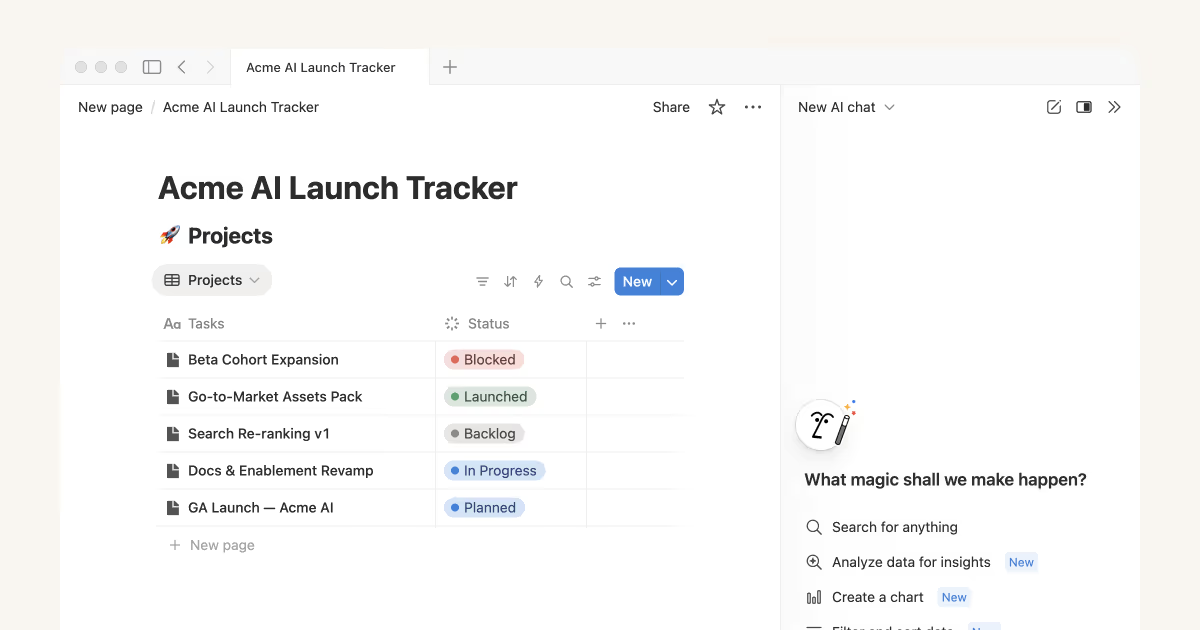
This the obvious choice if your company already runs on Notion and you are happy paying a higher price. The AI features are built right into your workspace, and it works great with your Notion pages. But if your docs live in Google Drive or Confluence? You'll need to move everything to Notion or deal with limited external connections. That's a big commitment.
Pricing changed in 2025. Now AI is included in the Business plan ($20/user/month), not sold separately. For a 10-person team, that's $2,400/year minimum, even if most people rarely use the AI features.
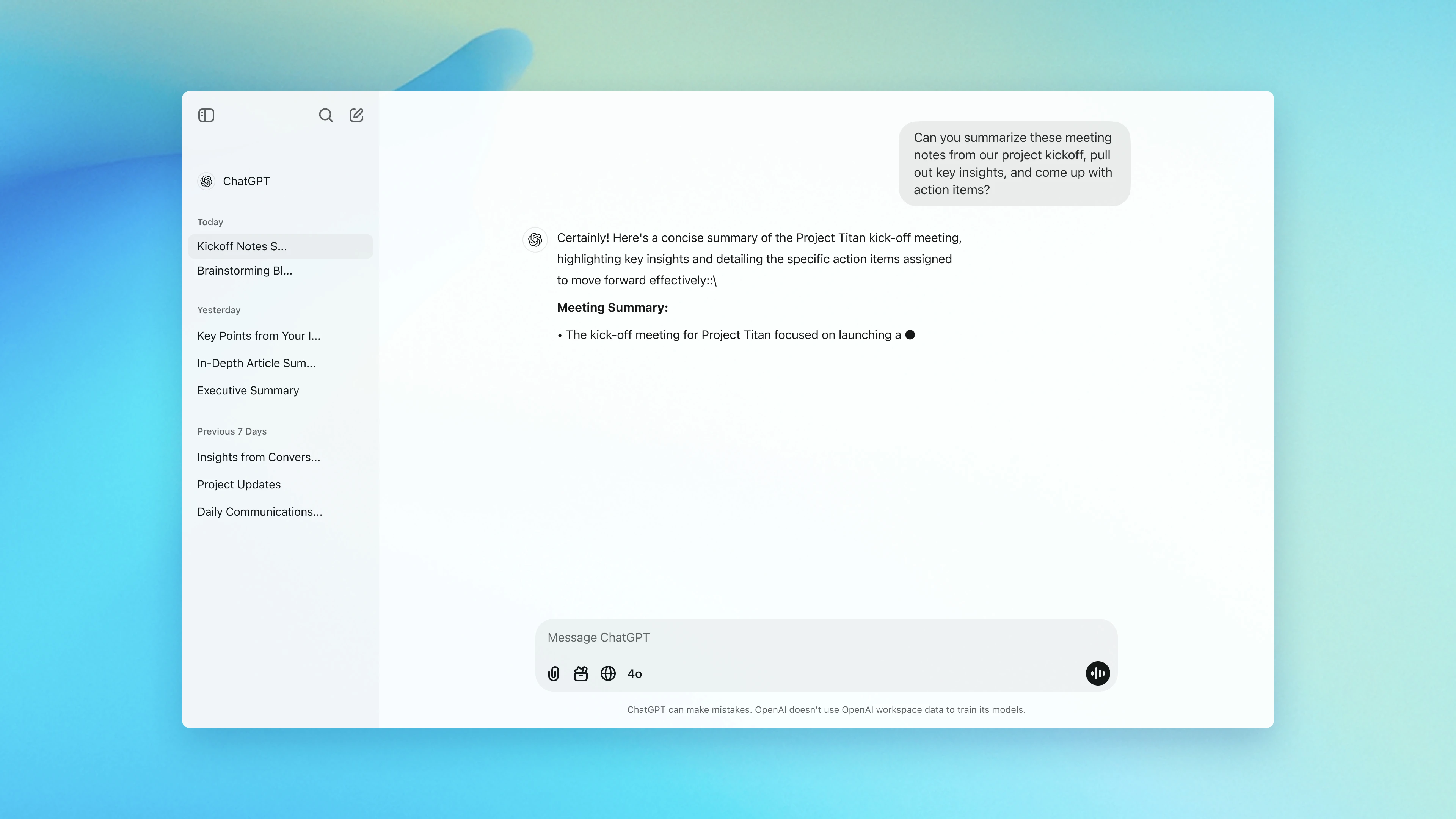
ChatGPT Business is what most people think of first. It's powerful, connects to tons of apps, and includes features like custom GPTs. The problem? It's designed as a general AI workspace, not specifically for knowledge base use.
At $25/user/month (annual billing), it's expensive for teams that mainly want knowledge base features. Plus, you're locked into OpenAI's models. If Claude or Gemini works better for your use case, you're out of luck. Setup can also be complex because you're dealing with 60+ possible integrations.
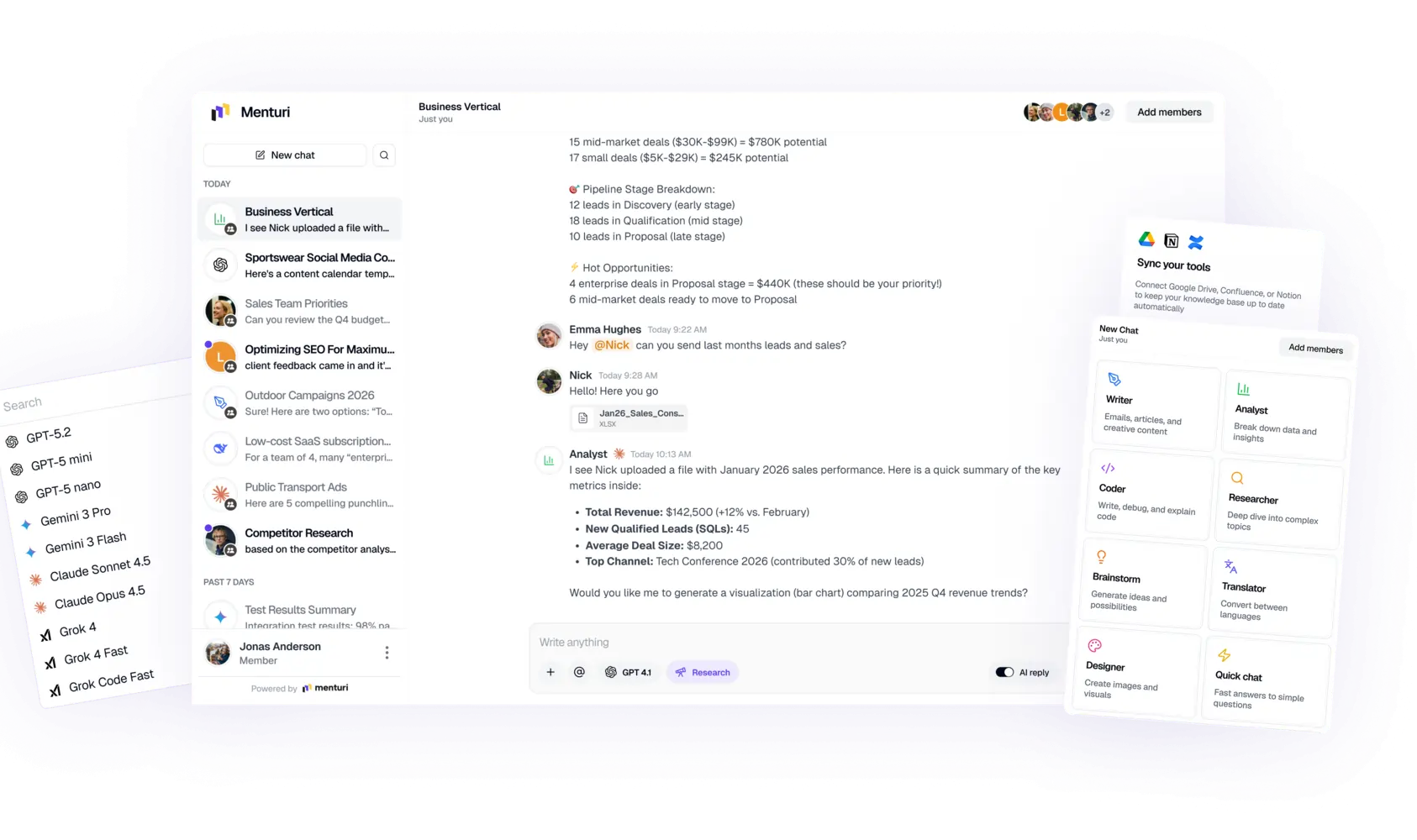
Menturi sits in the middle. It's built specifically for teams that want their internal docs connected to AI without committing to an entire workspace platform. You connect your existing Google Drive, Notion, or Confluence, and everyone on your team can ask questions.
The big advantage: admins can upload a document once, and everyone in the company has access to it in their AI chats. No need to share files manually or worry about permissions syncing.
You also get flexibility in AI models. If ChatGPT works better for one task and Claude works better for another, you can switch between them in the same conversation. Pricing is based on AI usage, not per seat, which works out cheaper for teams where not everyone uses it constantly.
The tradeoff? It's newer than Notion or ChatGPT, so it doesn't have every advanced feature yet. But if you want knowledge base functionality without platform lock-in, it's worth testing.
Don't just sign up for a tool and hope it works. Here's what to prep first:
You don't need perfect docs, but you need decent ones. The AI can only work with what you give it.
Quick audit:
If you have multiple versions of the same doc across different folders, clean that up first. The AI will get confused, and so will your team.
Who should see what? Some companies are fine with everyone accessing everything. Others need stricter controls (especially if you have client information or sensitive data).
Most tools let you set this up, but you need to think through it before you start uploading files everywhere.
An AI knowledge base chatbot is helpful, but it's not a replacement for actually maintaining your documentation. If your docs are wrong, the AI will give wrong answers. If information is missing, the AI can't make it up.
Tell your team:
If your docs are already in decent shape:
If your docs are a mess, add 2-3 weeks for cleanup before you even start.
Here's what usually goes wrong:
Problem: The AI gives outdated information This happens when you update a doc but forget to refresh it in the system. Most tools auto-sync, but some require manual updates. Check your sync settings.
Problem: Answers are too generic Usually means your documentation is too vague. The AI can only be as specific as your source material. Fix: improve your docs.
Problem: Nobody uses it People default to asking questions in Slack because it's a habit. Fix: remind them during team meetings, add the tool to your onboarding process, and have managers model the behavior.
Problem: Permission issues Someone can't access a document they should be able to see. Usually a sync problem between your document storage and the AI tool. Check admin settings.
Problem: Too expensive If you're paying per seat for people who rarely use it, switch to a usage-based pricing model. Or limit access to just the teams that need it most.
The point isn't to replace documentation or human conversations. It's to reduce the time spent hunting for information.
Here's what good usage looks like:
Morning standup scenario: Someone asks "What's the current process for handling refunds?" Instead of DMing the operations lead, they ask the chatbot, get the answer, and the standup keeps moving.
Onboarding scenario: New hire needs to understand your deployment process. Instead of reading five different docs and hoping they're current, they ask the chatbot to walk them through it step by step.
Customer support scenario: A customer asks about a specific feature. Support rep asks the chatbot "How does the export to CSV feature work?" and gets the exact answer from the product docs.
Updating docs: When someone finds information that's missing or wrong, they update the source document. The chatbot picks up the change automatically (depending on your sync settings).
The best teams treat this as a first stop, not the only stop. If the chatbot can't answer something, that's a signal that you need better documentation.
Depends on the tool. Enterprise-grade options (like Menturi, Notion Business, ChatGPT Business) don't train their models on your data. Check the privacy policy before you upload sensitive information. Look for SOC 2 compliance and encryption.
It happens. That's why you should encourage your team to verify important information, especially for customer-facing or legal stuff. Most tools let you see which source document the answer came from, so you can check.
For a 10-person team:
Not with most modern tools. Menturi, for example, connects to Drive, Notion, and Confluence simultaneously. You can keep your docs where they are.
If your docs are organized: can literally take less than 10 minutes with Menturi.
Yes. Start with one team (like support or operations) and expand if it works. Most tools offer free trials.
Menturi is built for teams that want a single AI workspace with:
.webp)